Terminal Group Configuration
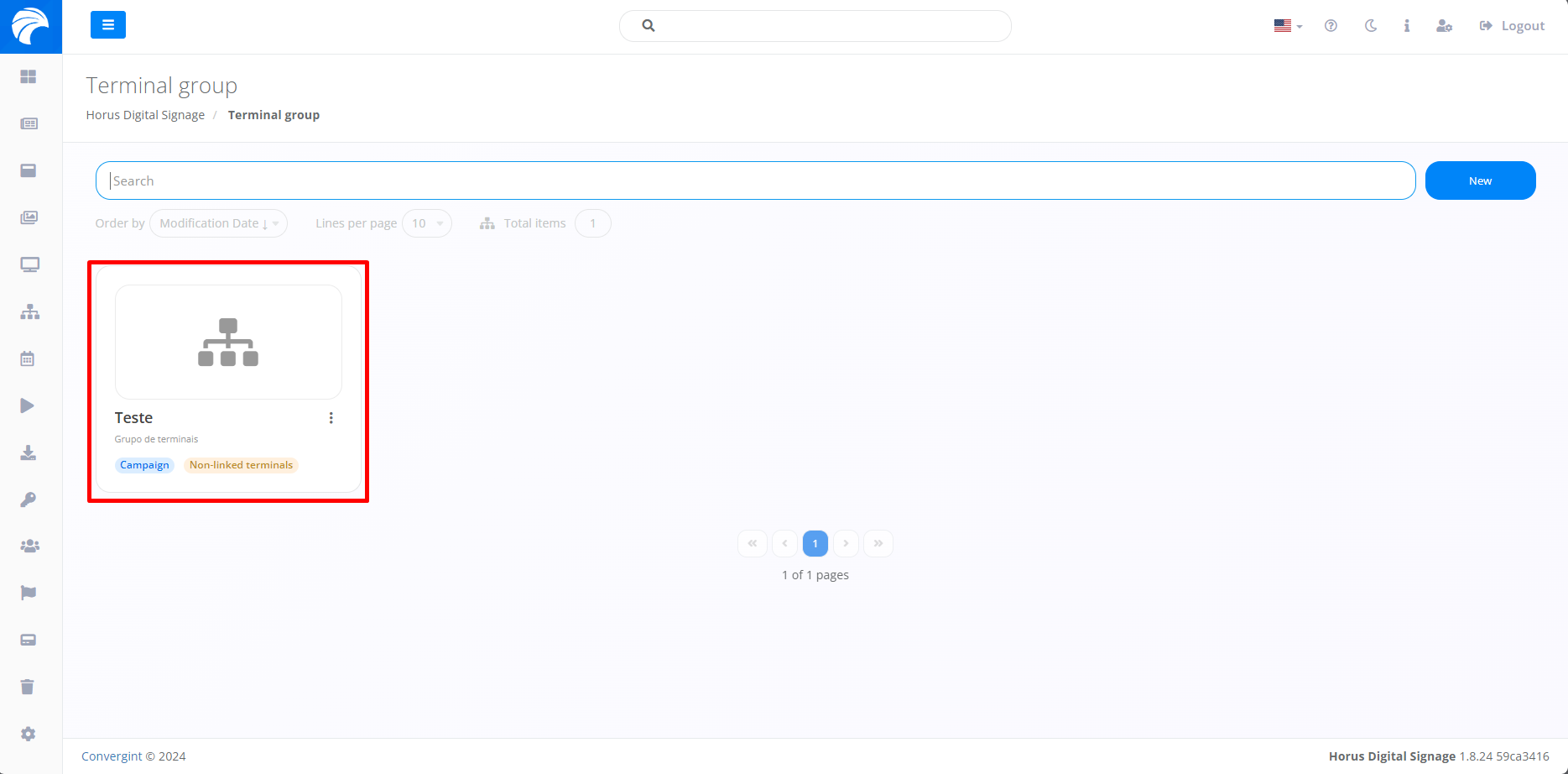
By following the topic described previously, the Group of Terminals will be registered. To configure Terminal information, you must access a previously created Terminal Group that you want to change Terminal information.
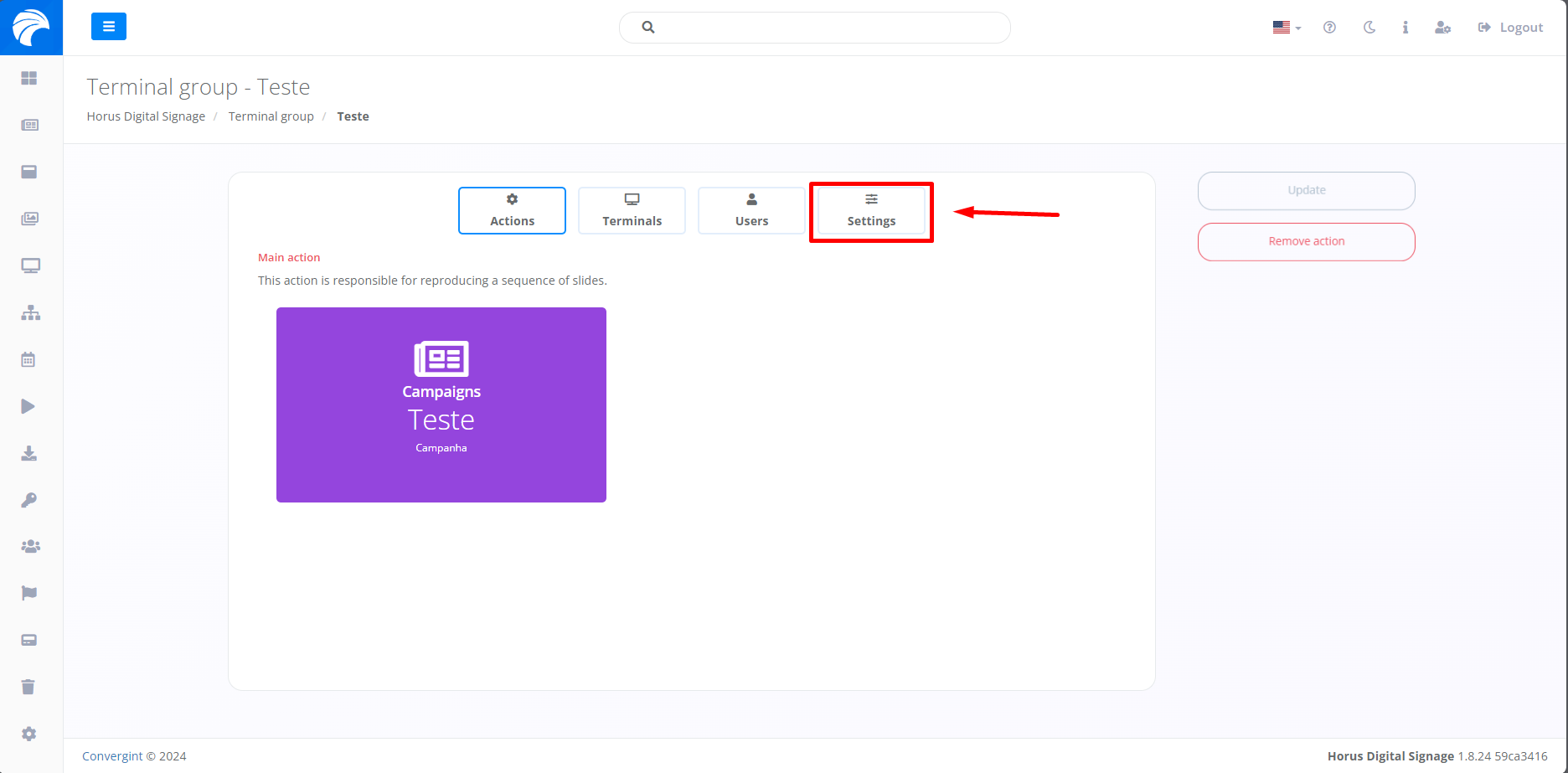
After creating or accessing a Campaign, the system will display the Campaign Interface, in which it will be possible to configure the Group of Terminals by accessing the “Settings” option
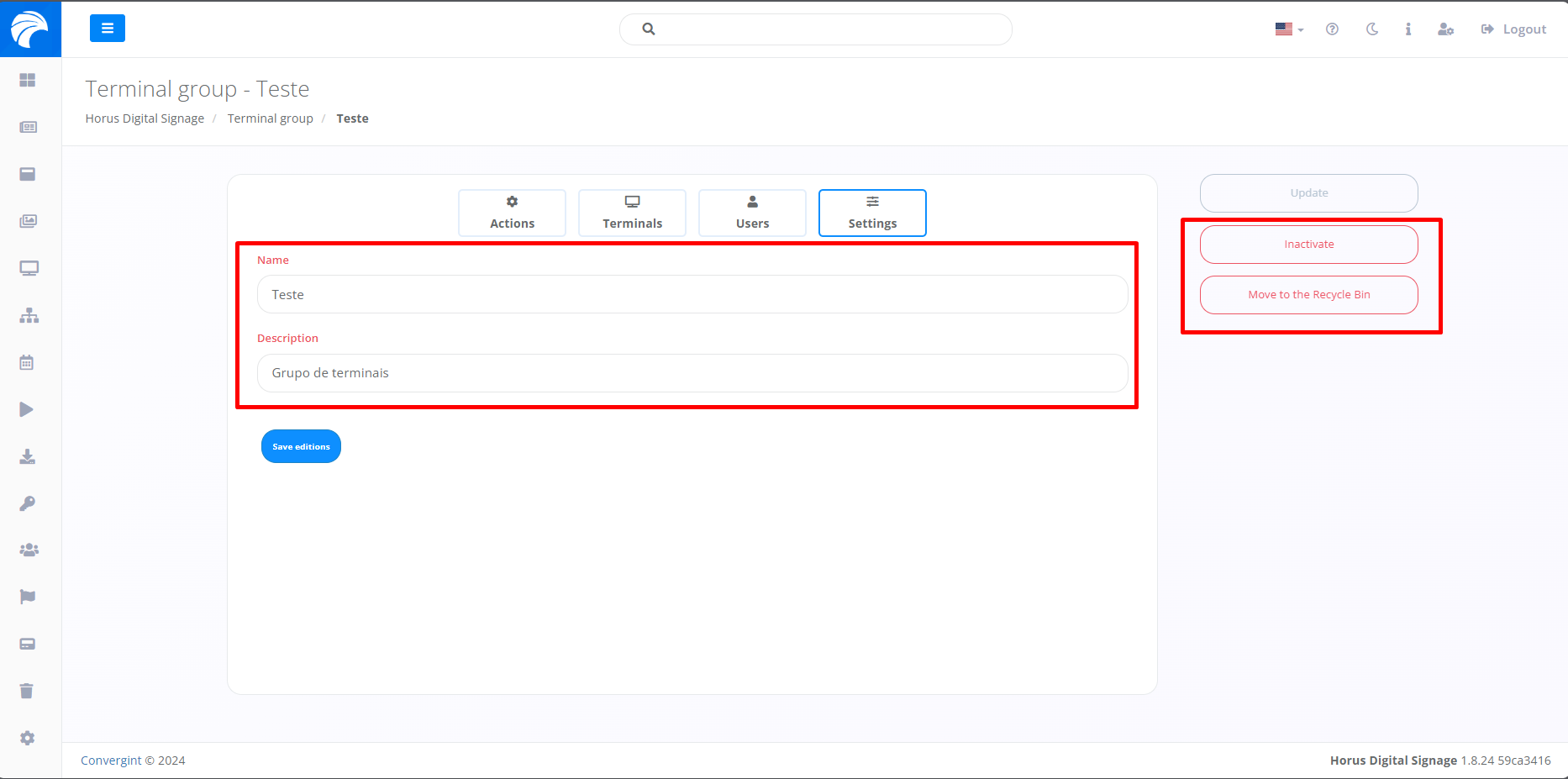
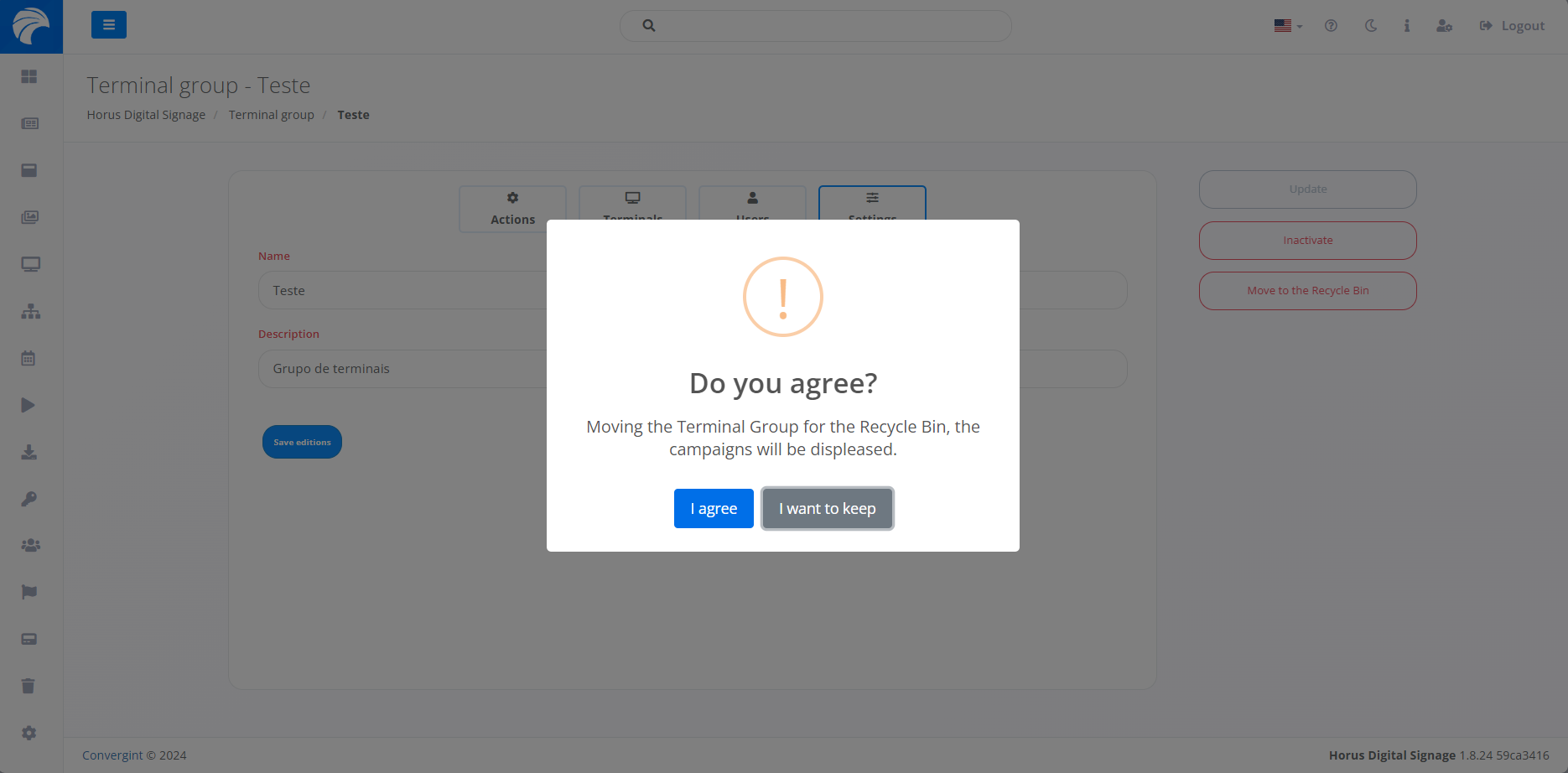
When accessing the “Settings” option, it offers alternatives for changing the name and description. Additionally, you will find features that allow you to inactivate and delete the Terminal Group, offering options for different scenarios respectively on the right side of the interface.
If you select an option on the right side of the interface, a pop-up will appear asking for confirmation before proceeding with each function. This applies to Campaign inactivation and deletion.
Example of deleting the Terminal Group:
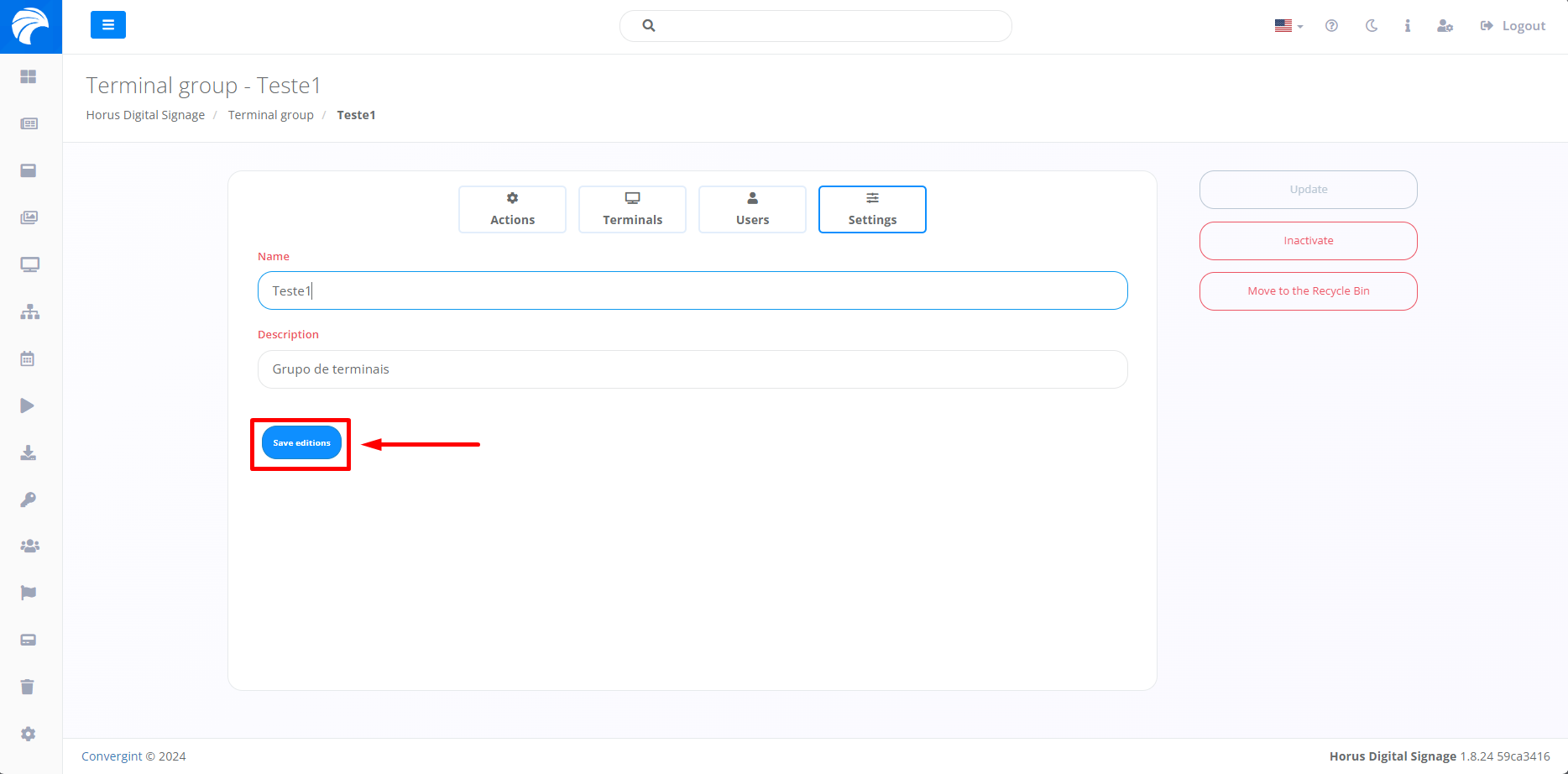
After making the changes you prefer, simply click on “Save changes” to save the changes made previously.